In progress
Documentation
Full step-by-step documentation is on its way. In the meantime, here’s everything you need to start using VectaGrid.
Using VectaGrid
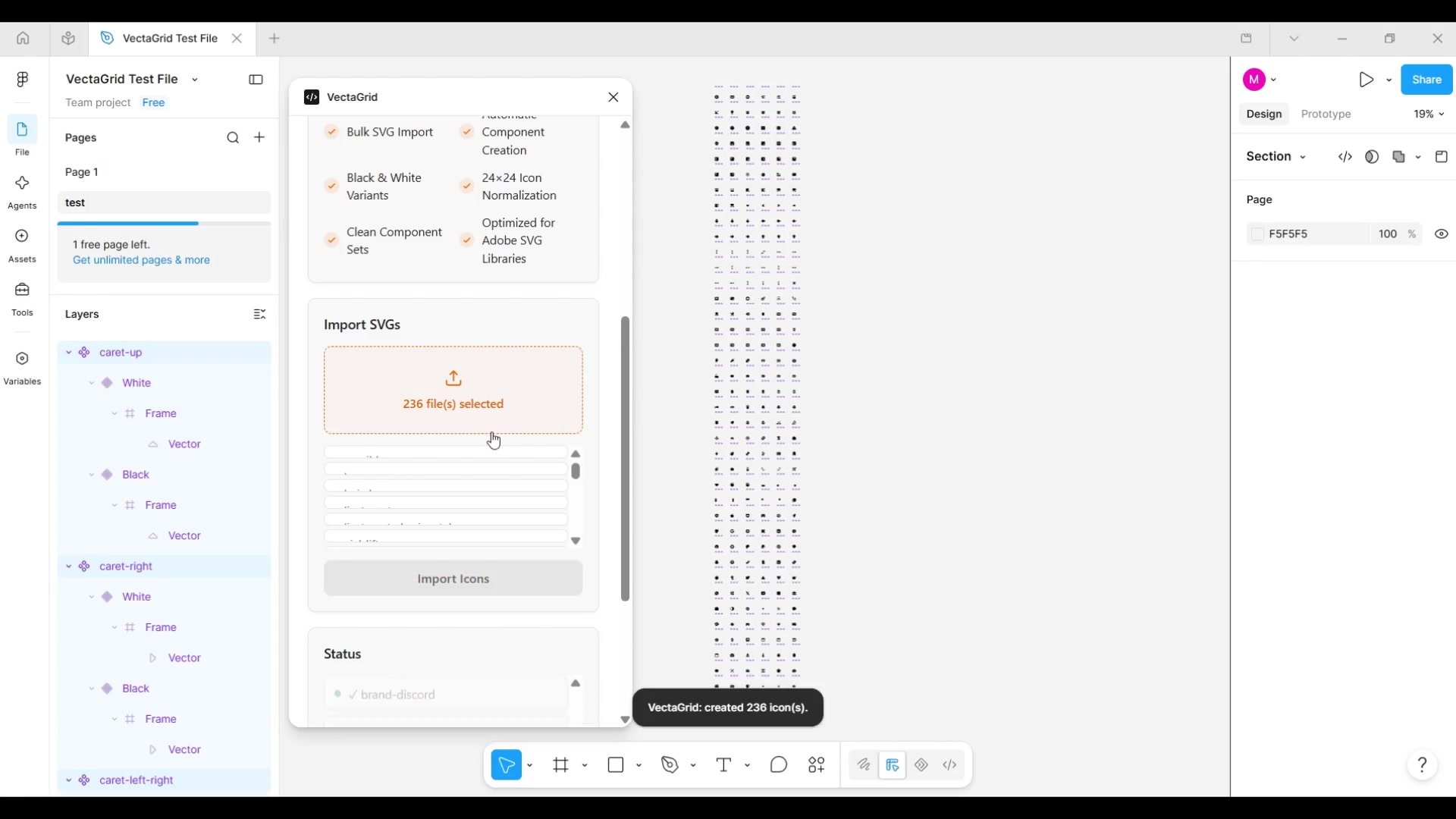
- 1
Select your SVGs
Click the dropzone inside VectaGrid and select one or more .svg files.
- 2
Import Icons
Click "Import Icons." Each file becomes a Color=Black / Color=White component set, normalized to 24×24.
- 3
Review the grid
VectaGrid arranges every generated set in a grid on the current page and frames it in your viewport.
Licensing & Pro
See how Pro activation works for the full buy → activate → revalidate flow.
Questions in the meantime? Email support@mosherlabs.dev.